
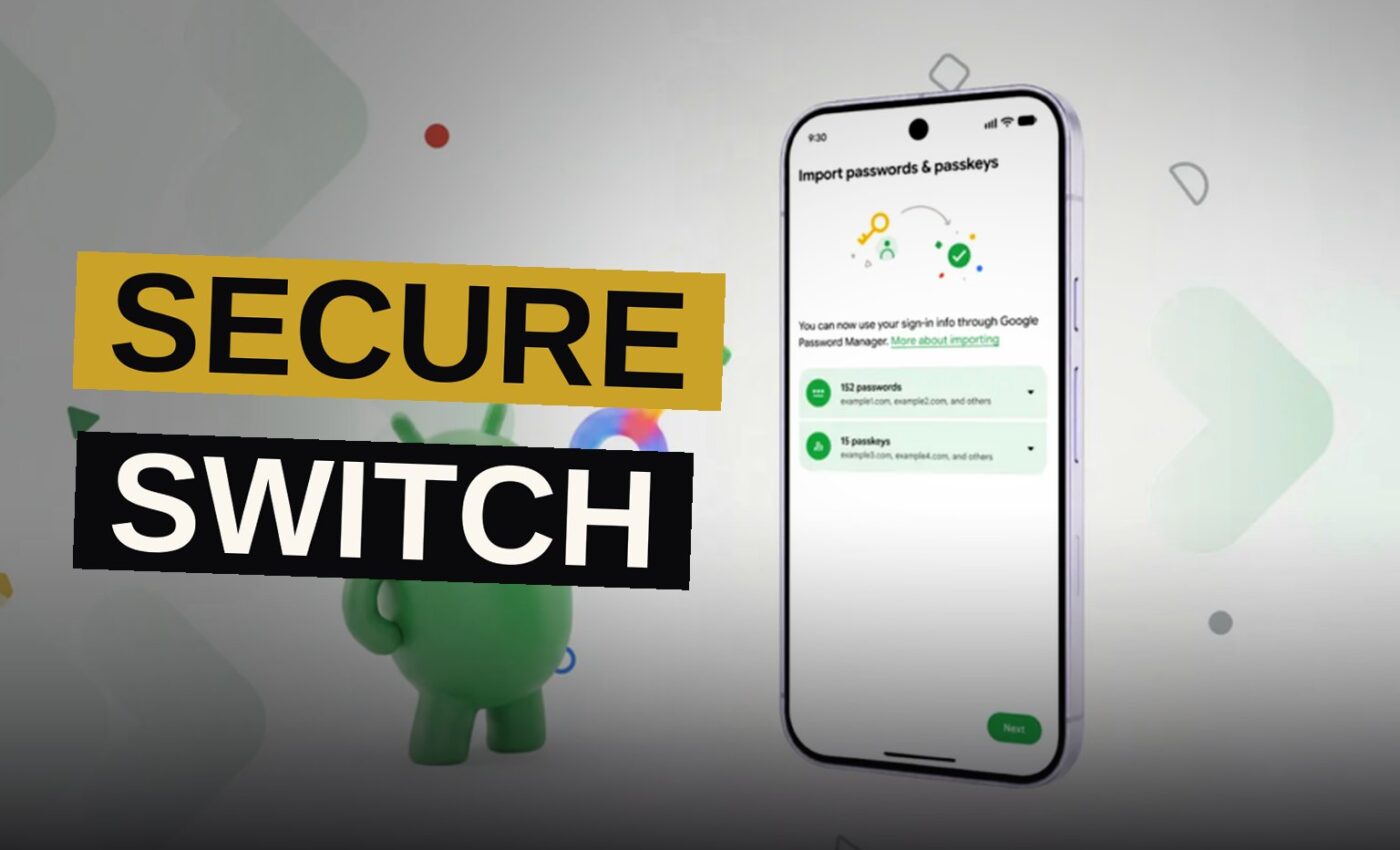
Android can now securely migrate your logins between password managers. The feature lets you move your saved credentials from one app to another without manually retyping every entry.
Google designed the transfer process to happen entirely on your phone. That means you need both the old and new apps installed, with your credentials synced in each.
How the transfer works
To start the move, you have to find the import option in the app you want to use. The location of that feature varies by app, but in Google Password Manager — which is built into Android — it sits near the top under the settings tab.
The import option in Google Password Manager plugs into the new migration system. Export, meanwhile, still creates an unencrypted CSV file with your passwords that can be dumped into any app.
“The import option in Google Password Manager will plug in to the new migration system, while export still just creates an unencrypted CSV with your passwords that can be dumped into any app.”
The process is similar in other apps, so you should start in the app where you want your logins to land.
Which apps support it now
Currently, the system works in Google’s own app, 1Password, Bitwarden, and Dashlane. The list is short at launch.
Why the new method matters
For years, moving between password managers has been a chore. The old way involved exporting a CSV file, which is a plain-text spreadsheet of your accounts and passwords.
That file works, but it has a catch. It is unencrypted, which means anyone who gets hold of it can read every login you own. The new Android system skips that step entirely, keeping your credentials on the device throughout the transfer.
That is a real security upgrade for people switching apps.
The manual alternative
Before this, the fallback was typing every login into the new app by hand. For someone with dozens of accounts, that is hours of tedious work.
The new system removes that friction. You pick the import option, and Android moves the logins over.
What the limits are
The transfer happens entirely on your phone, which is why you need both apps installed and synced.
That design choice has a trade-off. It means the process is confined to your device.
It also requires your credentials to be synced in the source app. If you have not turned on sync, the transfer may not see everything you expect.
What this means for users
For most people, this is a quiet quality-of-life improvement. You no longer have to choose between staying with a manager you dislike or spending an afternoon copying passwords.
The feature is built into Android itself, so it should work consistently across devices. That is a step up from relying on each app to build its own import tool.
The short list of supported apps is the main limitation today. But the system is designed for others to plug in, so expect more managers to join over time.
If you are thinking about switching, now is a reasonable moment. The transfer is secure, it does not require a CSV file sitting in your downloads folder, and it avoids the risks of exporting plaintext.
Just make sure you start in the app you want to use. The import option is the entry point, and the export button is still the old way out.
Source: arstechnica.com
Get the Notebook.
The day's best stories and every fresh verdict, in plain English, in your inbox by seven. One email a day, no more.