
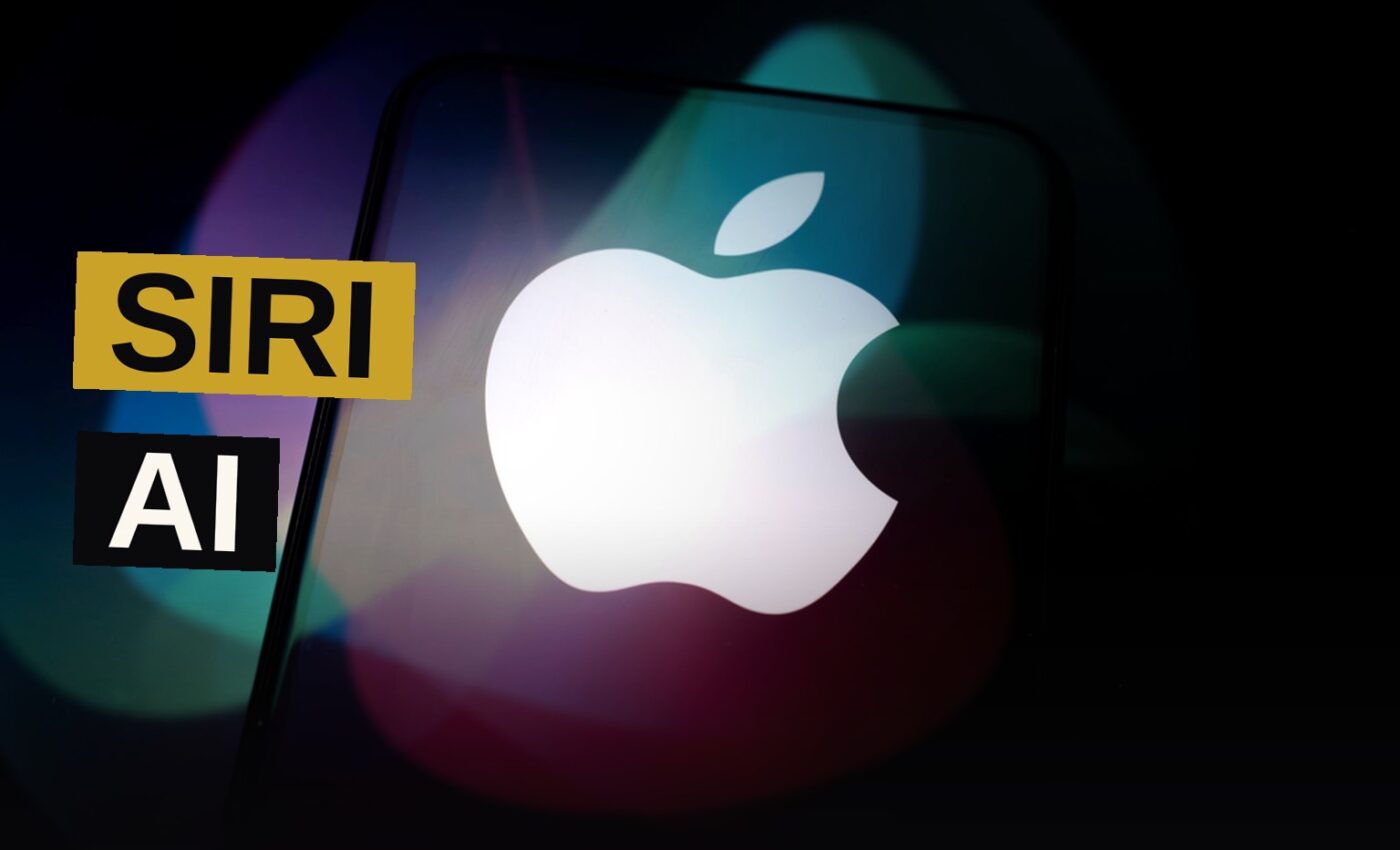
Apple’s Siri is getting its biggest overhaul in years. With the launch of iOS 27, the company is rebranding its voice assistant as Siri AI and packing it with new generative capabilities.
The move comes after a long stretch of playing catch-up. Siri debuted on the iPhone in 2011, five years before Google Assistant and 11 years before ChatGPT opened to the public. Despite the head start, Apple’s voice AI has been overtaken by a wave of generative AI rivals. Now, with iOS 27, Apple is fighting back.
Not every iPhone gets the upgrade. Siri AI requires the iPhone 15 Pro or iPhone 15 Pro Max or later, including the iPhone 18 Pro and iPhone Duo. Only those phones have the on-board silicon to handle the higher AI processing demands.
Siri AI Gets Personal Context
The first big change is memory. When Siri AI arrives, it spends time indexing everything on your iPhone. That means it can dig into your texts, emails, calendars, and anything else stored on the phone. Everything stays on-device, so nothing gets sent back to Apple.
That lets you ask natural questions about your own conversations. “What day is my work appraisal happening?” or “Where did I say I’d meet Mom?” get informed, personalized answers based on what’s already in your apps.
It works for photos and videos too. Open the Photos app and you can ask Siri AI to show all the pictures of your pet, or the images from your last vacation, or every photo of trees you’ve collected. All through simple, conversational prompts.
Screen Awareness Arrives
Siri AI now knows what you’re looking at while you use your iPhone. Previously, you had to take a screenshot and hand it to Siri for analysis. Now you can just ask.
In Safari, say “Hey Siri” and ask it to summarize the text onscreen or identify a landmark in an image in an online article. You can ask what certain options mean in Settings, or look up details about a game you’re thinking about downloading from the App Store.
The same visual processing works through the iOS Camera app. Switch to Siri mode using the selector by the shutter button, and ask Siri AI about anything in view. That could mean nutritional information about an item on a menu, for example.
Writing Without the ChatGPT Plug-In
The old Siri could generate text, but it offloaded the job to an integrated ChatGPT plug-in. Siri AI needs no third-party help. You can use it for text messages and emails directly.
Call up Siri AI by saying “Hey Siri” or tapping the Write with Siri link, then tell it what you want to say or describe the edits you’d like. You can instruct it to make messages more or less formal, expand or shorten sections of text, or turn quick notes into full paragraphs.
You keep final approval over what’s written. You can make manual or AI-generated edits as you go. Siri AI lets you review all the changes and jump backwards and forwards through different revisions.
Deeper Actions Inside Apps
Siri AI doesn’t just read your apps. It can now act inside them. You’re able to create calendar events or switch playlists just by talking or typing to the digital assistant.
Some of this was possible with the earlier Siri, but now you can go deeper. A wider range of natural language prompts should get things done, as if you’d handed your phone over to a human assistant.
You might see suggestions for actions pop up. If someone texts you a date and time, you’ll see Siri inviting you to create a calendar event. Over time, deeper hooks into third-party, non-Apple apps should show up too.
The New Siri App
For the first time, Apple’s digital AI assistant has its own app. Launch it from the home screen to access your Siri AI conversation history and sync your queries across different Apple devices.
This addresses a gap. Compared to Claude, Gemini, or ChatGPT, Siri AI has been missing a dedicated home for its chats. The app gives you another way to launch conversations, without needing a voice command.
Apple also promises what it calls “broad world knowledge.” Stand-alone queries about the history of Rome or how to fix a leaky faucet should bring up more informed, complete responses in the app.
Customize Siri’s Pace and Expressivity
One feature is reserved for the most powerful devices. You need the 2026 iPhones, the iPhone 17 Pro, iPhone 17 Pro Max, or iPhone Air.
That feature lets you adjust the tone, speed, and what Apple calls the “expressivity” of Siri AI’s spoken responses. In other words, you can tweak the personality of the assistant to some extent, and switch between voices.
To find these options, open Settings and tap Siri. You can customize Siri AI in other ways from the same screen, including changing the AI’s default voice and choosing how long to keep chats in your history.
Key Facts
- Siri debuted in 2011, five years before Google Assistant
- ChatGPT opened to the public 11 years after Siri’s launch
- iOS 27 introduces Siri AI with new capabilities
- Siri AI requires iPhone 15 Pro, iPhone 15 Pro Max, or later
- Compatible devices include iPhone 18 Pro and iPhone Duo
- Customization features need 2026 iPhones, iPhone 17 Pro, iPhone 17 Pro Max, or iPhone Air
- All data indexing stays on-device; nothing is sent to Apple
- Siri AI gets its own dedicated app
Old Siri vs. Siri AI
| Feature | Old Siri | Siri AI |
|---|---|---|
| Text generation | Offloaded to ChatGPT plug-in | Built-in, no third-party help |
| Screen awareness | Required manual screenshots | Knows what you’re looking at |
| Personal context | Not stated | Indexes texts, emails, calendars, photos |
| App actions | Basic | Deeper, with proactive suggestions |
| Dedicated app | None | New Siri app with conversation history |
| Voice customization | Not stated | Adjustable tone, speed, expressivity |
| Data handling | Not stated | On-device, no data sent to Apple |
The launch of iOS 27 marks a turning point for Apple’s assistant. Siri AI is built to close the gap with rivals like ChatGPT, Gemini, and Claude.
The real test comes when users get their hands on it. Apple has made big promises about what Siri AI can do. Whether it delivers on those promises is the question that will define its future.
Source: wired.com
Get the Notebook.
The day's best stories and every fresh verdict, in plain English, in your inbox by seven. One email a day, no more.