
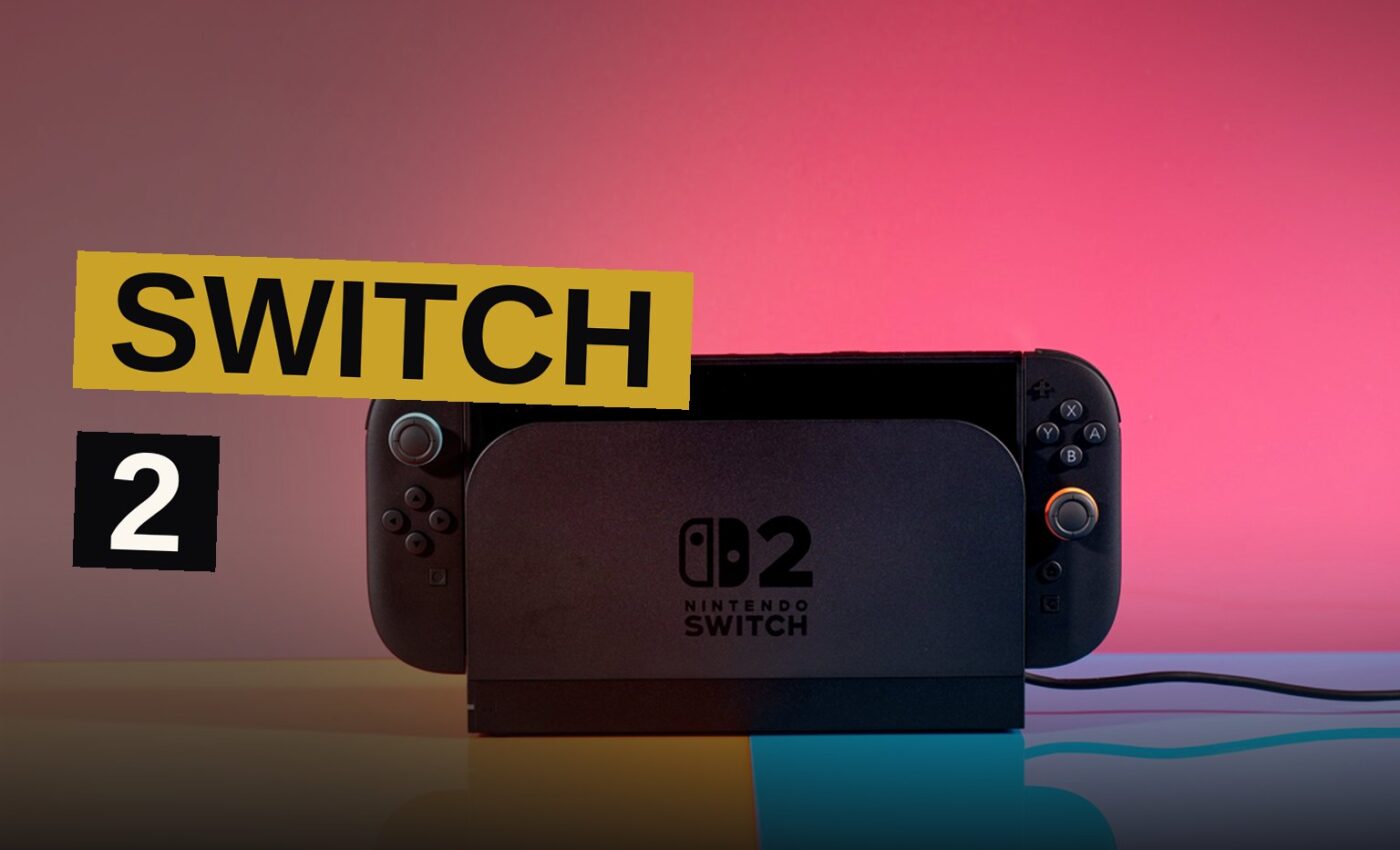
Nintendo’s latest Switch 2 update finally adds variable refresh rate (VRR) support in TV mode. The new 23.0.0 firmware delivers a feature the company always promised for docked play, but the console launched without it. The update also brings a handheld boost toggle in quick settings, the option to enable Mii creation music from the Wii, 3DS, and Wii U, and a full system transfer between Switch 2 consoles — arriving just in time for the Zelda-themed Switch 2 next month. Here is everything the 23.0.0 firmware changes and why it matters.
VRR Support Arrives in TV Mode
VRR adjusts a display’s refresh rate to match a game’s frame rate, smoothing out gameplay and reducing screen tearing. It will be particularly useful for games on the Switch 2 that have an unstable frame rate.
The feature works when the Switch 2 is docked and outputting to a TV. The PS5 and Xbox Series S / X all support VRR, so this update brings the Switch 2 in line with current consoles.
The timing matters for players who noticed the feature was missing at launch. Nintendo said from the start that the console would support VRR when docked, but the system shipped without it. This firmware closes that gap.
The Handheld Boost Toggle
The 23.0.0 firmware also includes a new toggle for handheld boost mode in quick settings. The update places the option where players can reach it faster. Nintendo has not detailed what the mode does beyond its name, but the toggle now sits in the quick settings menu.
It is a small addition, but it puts a performance option closer to the player’s fingertips.
Mii Editor Music Returns
The update touches the Mii editor as well. Players can now enable music for Mii creation, pulling in tracks from older Nintendo systems. Nintendo lists the Wii, 3DS, and Wii U as the systems whose Mii creation music can be enabled.
Each generation had its own distinctive sound, and the option lets players choose which era they want. It is a minor quality-of-life change, but it speaks to longtime players who remember the old creation screens.
The Mii editor has been a staple of Nintendo consoles for years, and bringing back those familiar tunes gives the feature a nostalgic hook.
System Transfers Before the Zelda Console
The 23.0.0 update also adds the ability to perform a full system transfer from one Switch 2 console to another. Nintendo calls it a full system transfer, and the feature arrives just in time for a Zelda-themed Switch 2 next month.
The timing is notable. Players who pick up the special edition console will have a way to move their existing setup to the new hardware. The transfer tool gives them a path to switch systems without starting over.
Nintendo has not detailed every step of the process, but the feature exists in this update and works between Switch 2 consoles.
The Promise Before Launch
Nintendo always promised that the Switch 2 would support VRR when docked. That commitment predates the console’s release, and players expected the feature to be there from day one.
The console launched without it, which made the omission noticeable for players with VRR-capable TVs. Games with unstable frame rates were the most affected, since those are exactly the titles where VRR helps the most.
Now that firmware 23.0.0 has arrived, the feature is finally in place. The update delivers what Nintendo said it would, just later than originally expected.
How VRR Improves Gameplay
VRR adjusts a display’s refresh rate to match a game’s frame rate. When a game runs at an inconsistent frame rate, a standard display can show screen tearing or stuttering as frames arrive out of sync.
With VRR enabled, the display waits for each frame and refreshes only when the game is ready. The result is smoother motion and fewer visual artifacts, especially in games that cannot hold a steady frame rate.
The Switch 2 has a library with titles that target different performance profiles. Some games run at locked frame rates, but others dip during busy scenes. VRR helps smooth out those dips when the console is docked.
What the Update Adds in Full
The 23.0.0 firmware brings several changes beyond VRR. The handheld boost toggle appears in quick settings, giving players faster access to a performance option. The Mii editor music feature lets players enable tracks from the Wii, 3DS, and Wii U eras.
The full system transfer completes the package. It arrives just in time for the Zelda-themed Switch 2 next month, giving buyers a way to move their data to the new console.
| Feature | What It Does | Where It Works |
|---|---|---|
| VRR support | Matches display refresh rate to game frame rate, reducing screen tearing | TV mode, docked |
| Handheld boost toggle | Adds new toggle in quick settings | Quick settings |
| System transfer | Moves full setup to a new Switch 2 | Between Switch 2 consoles |
| Mii editor music | Enables Wii, 3DS, and Wii U Mii creation tracks | Mii editor |
The Update in Context
Nintendo shipped the Switch 2 without a promised feature and has now delivered it in firmware 23.0.0. The update closes a gap that existed since launch.
The transfer tool’s timing suggests the company is preparing for the Zelda console. VRR was the missing piece, and now it is here.
Source: theverge.com
Get the Notebook.
The day's best stories and every fresh verdict, in plain English, in your inbox by seven. One email a day, no more.