
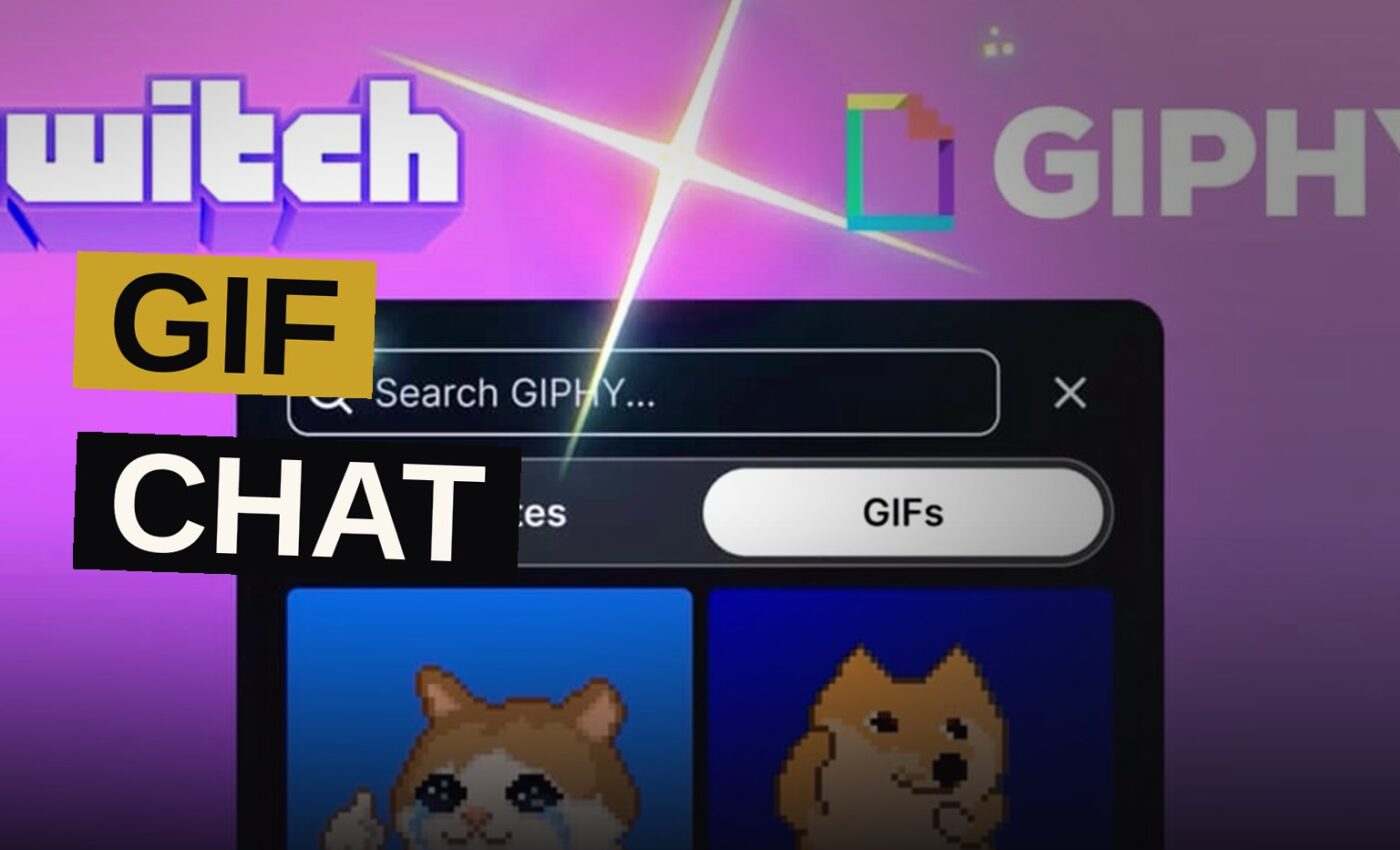
The Amazon-owned livestreaming platform Twitch has rolled out a new chat perk for its more generous subscribers, letting Tier 2 and Tier 3 members send GIFs along with their regular messages. The company confirmed the perk on September 1, noting that qualifying subscribers can now search for and post GIFs through a new GIF Keyboard built by GIPHY. The feature was previously in testing, but it is now open to all monetized streamers on the platform.
How the GIF Keyboard Works
The GIF Keyboard comes on by default in channels where it’s offered. Tier 2 and Tier 3 paid subscribers get to use it by choosing the Emote icon in chat and moving to the GIFs tab. Once there, viewers can look through GIPHY or search for something specific and pick a GIF to send as a single chat message.
Twitch has set a 30-second waiting period between GIF messages for individual users. The rule applies to each viewer rather than to each channel. This restriction is built into how the feature functions, according to Twitch’s own description, and streamers have not been told if they can change it.
If streamers wish to stop GIFs from showing up in their chat, they can turn off the feature via subscription settings, according to Twitch. Any Tier 2 or Tier 3 subscriber who has the perk enabled will get a notification when it is switched off.
Moderation and Chat Restrictions
The firm is putting its established moderation tools to use for GIFs as well. Streamers and moderators hold the power to remove single GIF messages, and GIF searches follow AutoMod settings. This arrangement ensures that terms matching banned words or phrases do not show up in the search results. As a result, a streamer who has blocked specific words in text chat will not encounter those same terms when searching for GIFs.
GIFs can’t be sent when chat restrictions like Emote-Only Mode and Shield Mode are turned on. People who get timed out, banned or stopped from chatting in some other way won’t be able to use the feature either.
According to Twitch, GIF messages fall under the platform’s Community Guidelines just as any other chat message does. The company holds users accountable for the GIFs they send, and it can take down related stream content if a GIF that violates its policies shows up on screen.
Every channel uses these moderation tools. AutoMod screens searches against a list of forbidden words, while moderators can remove single GIF messages as they show up. If streamers have put filters on their text chat, those same filters carry over to GIF searches.
Content Ratings and Viewer Controls
GIPHY’s content ratings power the filtering on the GIF Keyboard. Twitch starts with PG by default, though streamers hold the option to go further and set the G rating, which is aimed at all ages. That choice hands streamers an easy means to narrow down what their subscribers can find, without needing to check every GIF by hand.
Those who would rather not see animated GIFs move within chat may turn off animations via the chat appearance settings. This action replaces the motion of the GIFs with still previews. Should a device prove too old or otherwise unable to support such images, Twitch states that merely the name of the GIF will show in its place.
The GIF Keyboard comes with its own content rating system already built in. GIPHY supplies the ratings, and Twitch handles the filtering. The default mode sits at PG, letting through a wider variety of material, whereas the G setting is stricter and designed for viewing by all ages.
The Cooldown Between GIFs
The 30-second cooldown applies per user.
Twitch has set a limit on how quickly any single viewer can send GIFs, which means multiple subscribers can still send them in quick succession. That restriction is part of how the feature operates, as described by the company. Twitch has not said whether streamers or moderators can adjust the cooldown period.
The cooldown system ensures that not even a busy chat allows any single subscriber to flood the channel with GIFs. Every Tier 2 and Tier 3 subscriber who has access to the feature is subject to the same limit.
What Streamers Should Check
The feature requires streamers to check that the GIF Keyboard is switched on in their subscription settings, because the default setting is active but can be changed by anyone. Turning it off triggers a notice for Tier 2 and Tier 3 subscribers, even though the default remains enabled.
Subscribers who prefer a tighter experience can set their content rating to G instead of PG, which trims down the search results they see. Moderators hold the power to remove single GIF messages, while AutoMod filters GIF searches according to any terms already marked as forbidden.
Getting things set up takes little effort. First, streamers should look at their subscription settings to make sure the GIF Keyboard is turned on. Then they pick a content rating, and check that their AutoMod settings catch any terms they wish to keep out of GIF searches. Moderators should be told that they can remove single GIF messages if necessary.
Rollout Status
All monetized streamers can access the feature immediately.
For streamers setting up the feature, the key steps are straightforward:
- Confirm the GIF Keyboard is enabled in subscription settings — it is on by default.
- Choose a content rating — PG is the default, G is the stricter option.
- Check that AutoMod settings cover any terms you want blocked from GIF searches.
- Tell moderators they can delete individual GIF messages if needed.
| Setting | Default | Options |
|---|---|---|
| GIF Keyboard | Enabled | Enabled or Disabled |
| Content Rating | PG | PG or G |
| GIF Animations | Enabled | Animated or Static Previews |
| Cooldown | 30 seconds | Not specified |
A new system grants higher-tier subscribers a fresh method for engaging in chat, while also equipping streamers with means to oversee it. Regardless of whether streamers choose to adopt it or switch it off, the management tools are already present. The benefit is open to Tier 2 and Tier 3 subscribers in any channel where the streamer has not turned it off, and the moderation rules cover GIF messages in the same manner as standard chat posts.
The company has not addressed whether the feature will be extended to other subscriber tiers or made available to non-subscribers. Twitch’s announcement on September 1 was confined to Tier 2 and Tier 3 paid subscribers, and no further plans have been shared regarding wider availability. At present, the feature is restricted to the higher-paying subscriber tiers on monetized channels.
Source: dexerto.com
Get the Notebook.
The day's best stories and every fresh verdict, in plain English, in your inbox by seven. One email a day, no more.